The block clock
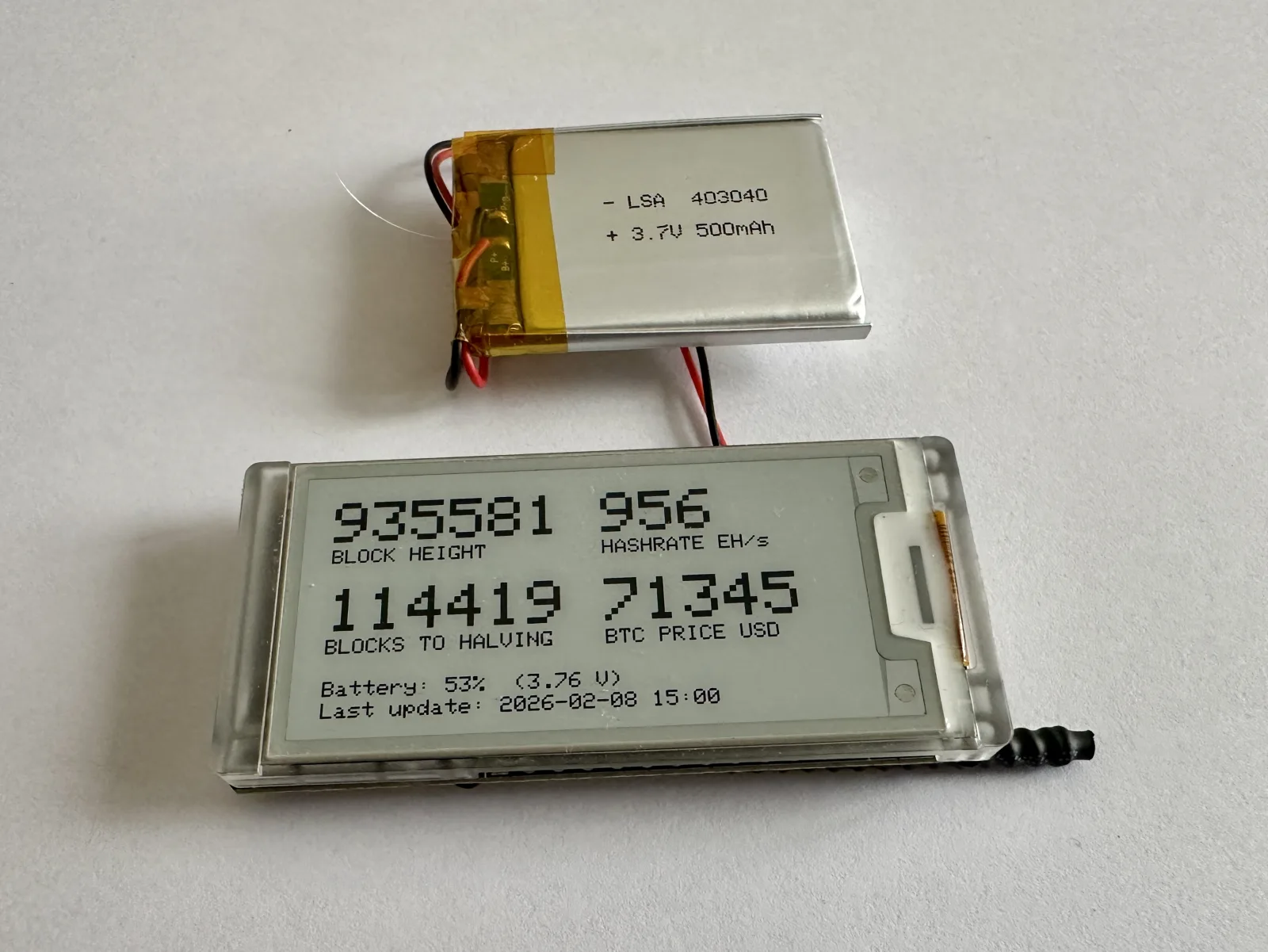
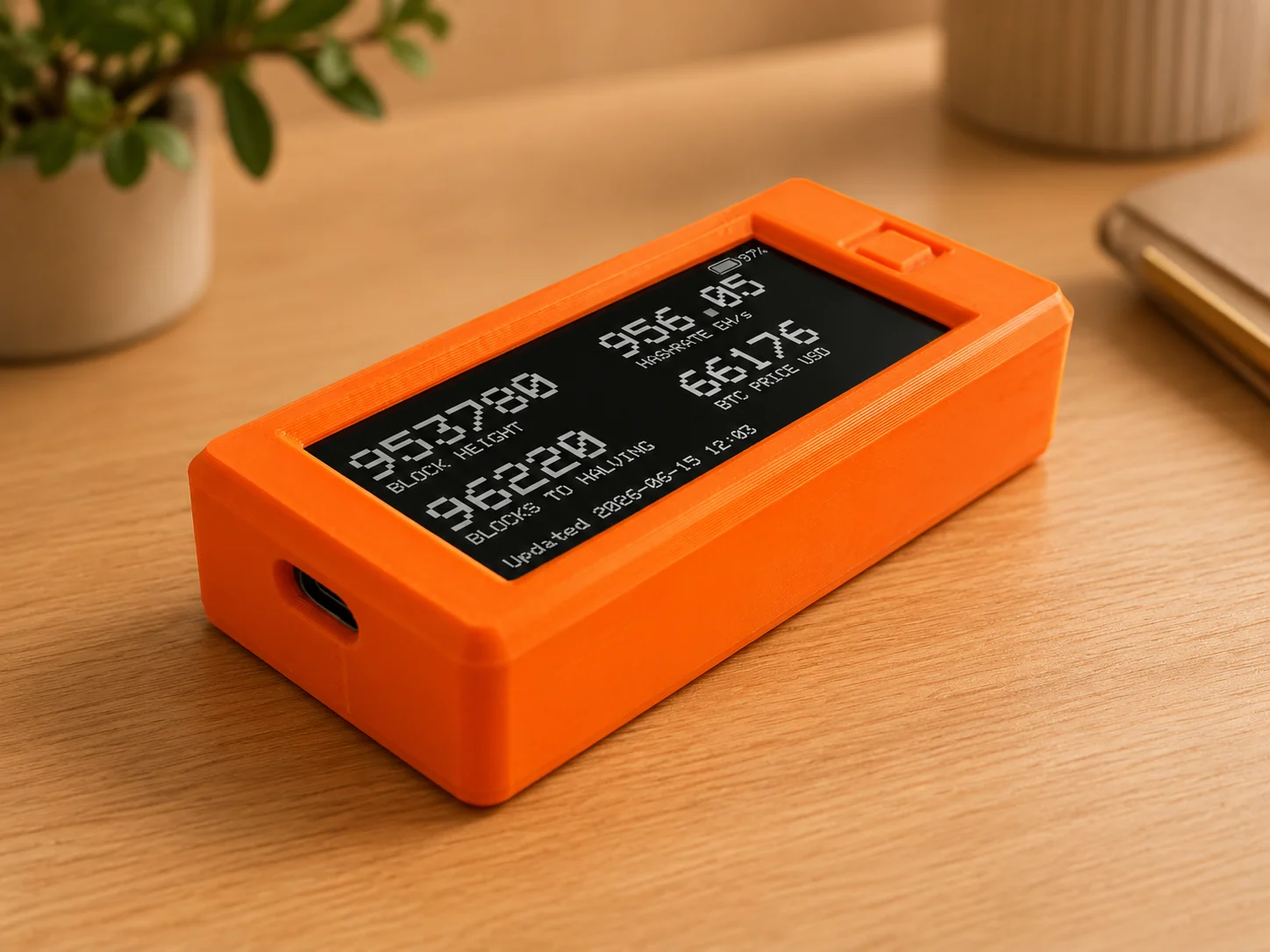
A block clock is a small desk display that shows live Bitcoin network data: block height, blocks to the next halving, BTC price, and network hashrate. It refreshes every few minutes, then sleeps to save battery.
This DIY version runs on the Heltec Vision Master E213 or E290 boards and costs about $30 in parts. It reads data from your own Bitcoin node over MQTT, or fetches it from mempool.space if you do not run a node. About a week of runtime on a small LiPo battery.
Source, wiring, flashing, and case files are on GitHub: mr21free/blockclock.
How it compares
BLOCKCLOCK by Coinkite is polished plug-and-play hardware. Buy it if that is what you want. The DIY block clock is cheaper and open, with local MQTT mode for node runners and online mode for people who just want the clock to fetch public Bitcoin data from mempool.space.
BLOCKCLOCK mini and micro prices below were verified at coinkite.com on June 11 2026. DIY prices reflect the Heltec board and battery class used by these projects.
| BLOCKCLOCK mini | BLOCKCLOCK micro | My block clock | Freedom Clock | |
|---|---|---|---|---|
| Price | $399 | $189 | ~$30 in parts | ~$30 in parts |
| Display | 7 E Ink digits, 30x10 cm | Single e-ink, 11x7 cm | 2.13 or 2.90 inch e-ink, E213 or E290 | 2.13 or 2.90 inch e-ink, E213 or E290 |
| Shows | BTC price, block height, Moscow time, sats/dollar | BTC price, block height, Moscow time, sats/dollar, MSTR | Block height, halving countdown, BTC price, hashrate | Freedom time, lifetime left, coverage, BTC price |
| Data source | Coinkite servers | Coinkite servers | MQTT, mempool.space, CoinGecko | MQTT, CoinGecko |
| Firmware | Source not published | Source not published | MIT open source | MIT open source |
| Setup | Finished device | Finished device | Flash firmware, configure setup page | Flash firmware, configure setup page |
| Soldering | None | None | None | None |
The clock I built next
The block clock sat on my desk, and after a while I stopped checking block height. I started asking how much time my savings had already bought. That question became freedom time, then the browser calculator, then the Freedom Clock firmware.
The same E213 board can run both firmwares, and the block clock also supports E290. Flash the block clock if you want Bitcoin network data on your desk, or flash Freedom Clock if you want a small display for savings, BTC price, and time coverage. You can switch later by flashing the other firmware.
FAQ
Does it show block height?
Yes. The block clock firmware shows block height from MQTT or online sources such as mempool.space. Freedom Clock is a separate firmware for freedom time and BTC price.
Do I need to run a Bitcoin node?
No. If you run a node or Home Assistant, use MQTT. If you do not, use online mode, which fetches public Bitcoin data from sources such as mempool.space. For Freedom Clock, no. The standard mode fetches BTC price from CoinGecko and uses settings saved on the device.
Can one board run both?
Yes. The block clock firmware supports both Heltec Vision Master E213 and E290 boards. The same hardware family can run the block clock firmware or the Freedom Clock firmware. Flash one now and switch later by flashing the other firmware.
Is this a BLOCKCLOCK alternative?
There are two answers. The DIY block clock is the closest alternative if you want block height, halving countdown, BTC price, and hashrate on open hardware. Freedom Clock is different: it shows how much time your savings have already bought, with BTC price as one input.